 Snap
SnapFree online image beautifier
Add gradient backgrounds, rounded corners and shadows to your images. Resize for social media and export PNG without signing up.
Live preview
1080 × 1080Caption studio
Smart templates • no API neededOne image. A more polished presentation.
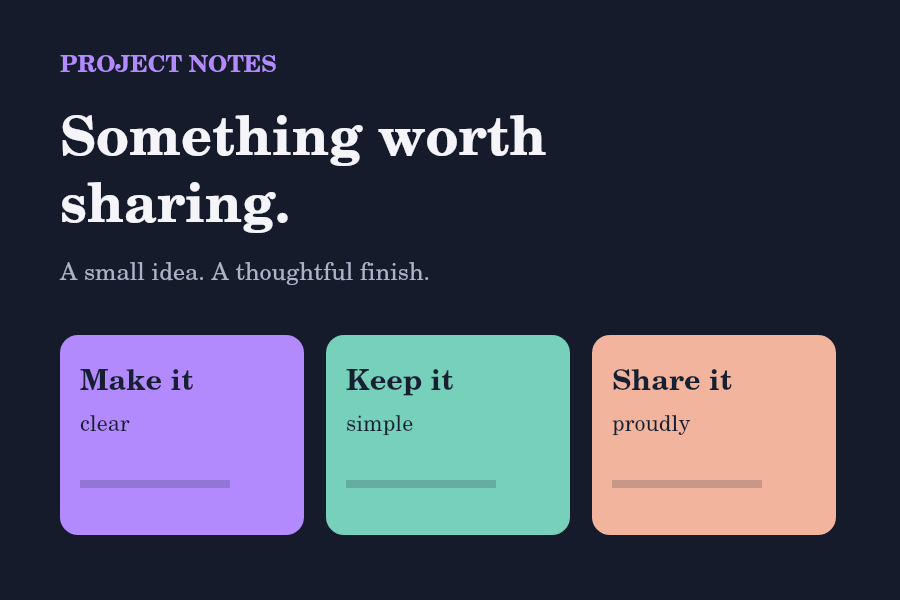
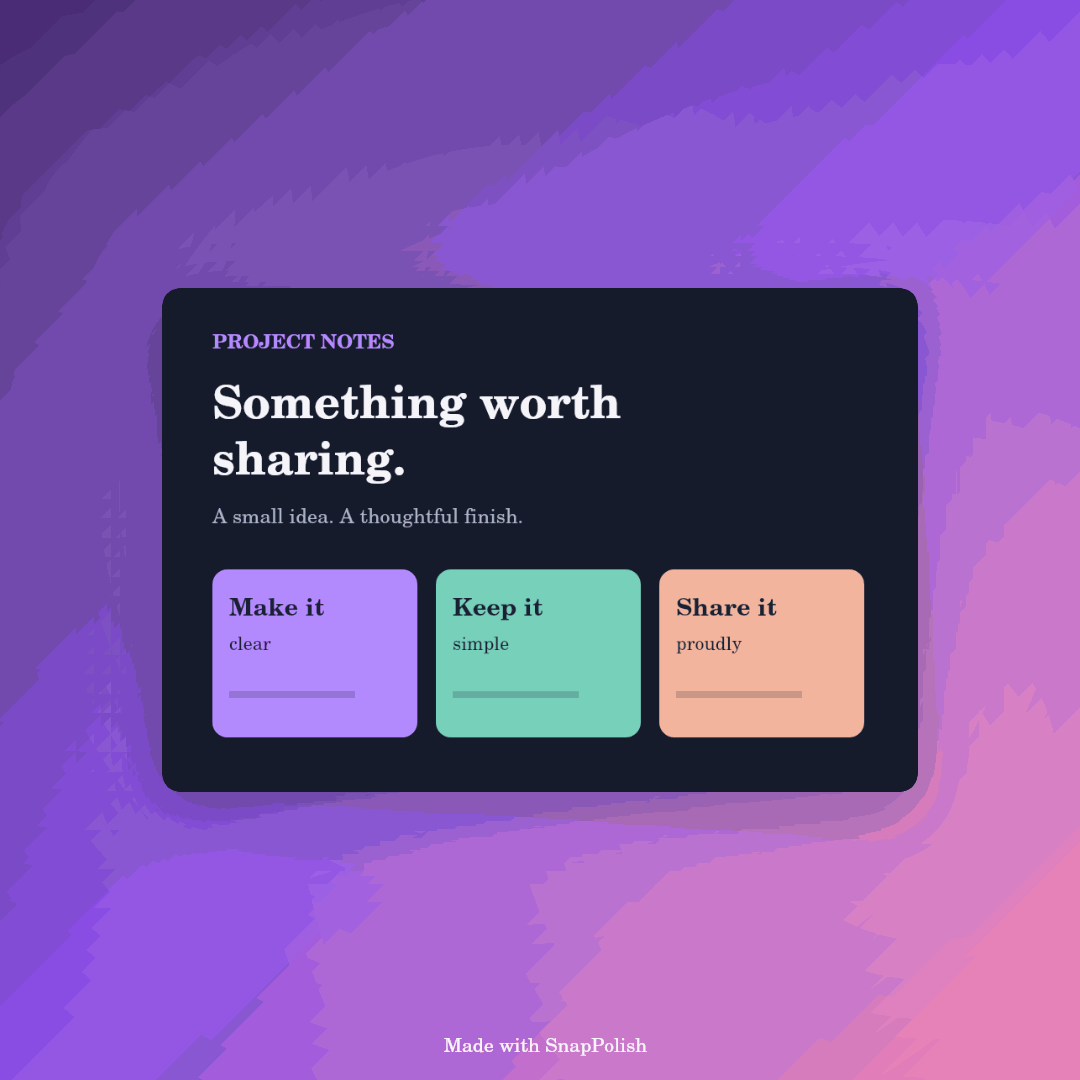
This sample project card shows the original image and the editor’s PNG output. The example uses Aurora, a square canvas, 15% padding and a corner radius of 22, with correction filters turned off.
Make more of your images
Practical guides to the tools available in this editor.
Add an image background
Choose a gradient, set useful padding and keep the original image intact.
Round image corners
Balance corner radius and shadow for a clean frame, without cropping your source file.
Choose a social image size
Compare square, landscape and portrait canvases, and pick a sensible export resolution.
How to beautify an image online
- Upload a PNG, JPG or WebP image, paste it from your clipboard, or drop it on the upload area.
- Choose a gradient background and a square, landscape or portrait canvas.
- Adjust padding, rounded corners and optional image corrections.
- Choose your export resolution and download a PNG, or use your device's share sheet.
Image backgrounds for social posts
Make product updates, project launches and app images easier to share. Choose 1:1 for square posts, 16:9 for landscape graphics, or 9:16 for vertical stories. The editor fits your image inside the canvas without stretching it.
Frequently asked questions
Is this image editor free?
Yes. The current editor works without an account, and you can turn the brand tag off before exporting.
Are my images uploaded?
The editor reads and processes your selected image in your browser. The image is not sent to an editing server. This website uses Google Analytics to measure site usage.
Does SnapPolish AI use AI to enhance images?
The current version uses browser-based brightness, contrast, saturation and smoothing filters. Captions use templates. It does not currently provide generative AI restoration or AI upscaling.
Which image formats work?
PNG, JPG and WebP are recommended. HEIC and HEIF decoding depends on your browser. If one fails, convert it to PNG or JPG and try again. Uploads must be under 20 MB.
Why might a 4× export fail?
High-resolution images use more device memory. Exports above 22 million pixels are blocked; use 1× or 2× on memory-constrained devices. Increasing resolution resizes the image but does not recover missing detail.